


Install IncaSpin Application for Mobile and Desktop
The IncaSpin app carries the entire platform onto a phone screen, from the first slot spin to a payout request. The Inca Spin app works as a progressive web application, so the browser builds it in about a minute. No store account takes part in the process. The same route produces a separate window on a computer, which makes one solution enough for every device you play on.

Main Features of the IncaSpin App
The icon skips the steps that stand between an idea and a game. One tap opens the lobby full screen, and the interface arrives from the cache, so a session starts faster than through a browser tab. The catalog keeps its full size, from online slots to dealer tables and instant titles.
Payments and promotions work from the phone as well, together with the account settings, so nothing forces a return to a computer mid-session. The table below sums up what each format of Inca Spin handles best.
| Aspect | On a phone | On a computer |
| Starting a session | One tap from the home screen, no browser needed. | A window in the taskbar or the Dock. |
| Game display | Portrait layout with enlarged controls. | Wide view with several panels at once. |
| Bet control | Touch gestures and quick category switching. | Precise adjustments with a mouse |
| Suited for | Short sessions anywhere. | Long sessions and detailed statistics. |
Payout tables and RTP values match across both formats. An account carries its balance between them without a separate transfer, which turns the choice of device into a question of convenience.
Mobile Interface
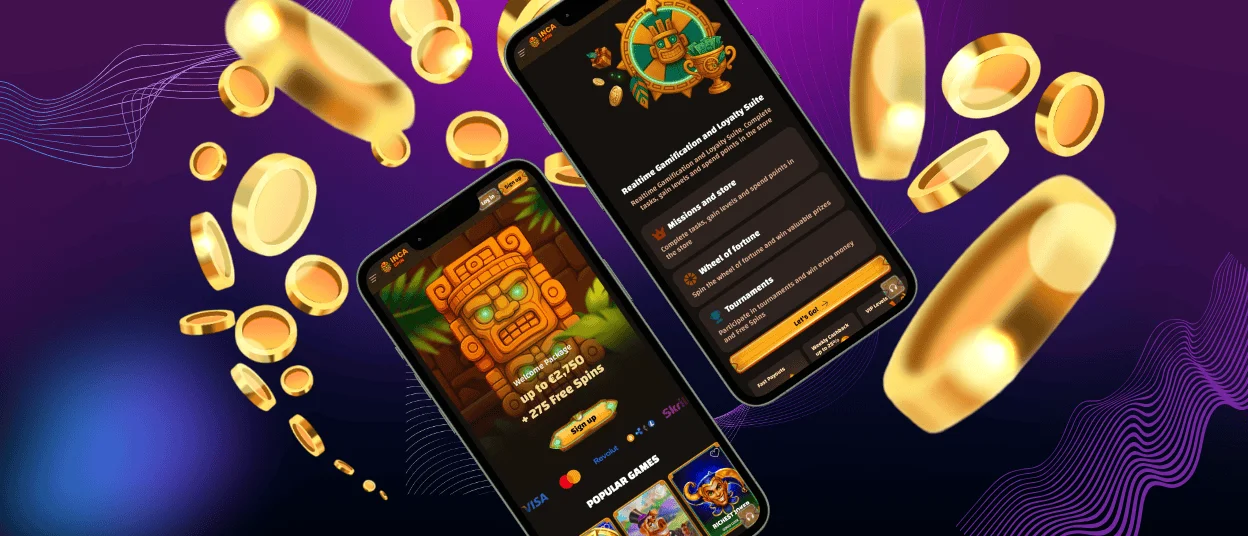
The phone version of IncaSpin Casino mirrors the structure of the desktop lobby, so the route to a game remains familiar after the switch. Rows keep their order, filters keep their names, and the search works by title or by provider exactly as it does on a computer.
Adaptation happens where the small screen needs it. Reels turn to portrait orientation with the spin button under the thumb. Live tables use the wide view with the bet panel next to the stream, and buttons grow to a comfortable size for touch. Menus fold into a single icon, which leaves the game itself the whole display.
Inca Spin Casino for Android Devices
Chrome handles the setup on Android, and other Chromium browsers keep the command in the same position. Four actions complete the installation of the IncaSpin app:
- Open the IncaSpin Casino website in the browser.
- Tap the three-dot menu next to the address bar.
- Choose “Add to home screen” and confirm with “Add.”
- Move the icon from the app drawer to any spot on the screen.
The result occupies about a megabyte of cached data on the phone and asks for no system permissions. Every launch requests the current version of Inca Spin Casino, so a new game reaches the phone on the day it enters the catalog.
IncaSpin APK
Android users often look for an installation file first, and Inca Spin answers that habit differently. We have no APK packages because the icon created from the browser already delivers the functionality of a native application, and it updates itself with every launch.
One consequence deserves attention. Files offered elsewhere under our name have no connection to the platform, so the official website remains the only address for the IncaSpin application on Android. Anything downloaded from a third-party source stays outside our security standards.
Casino Application for iPhone and iPad
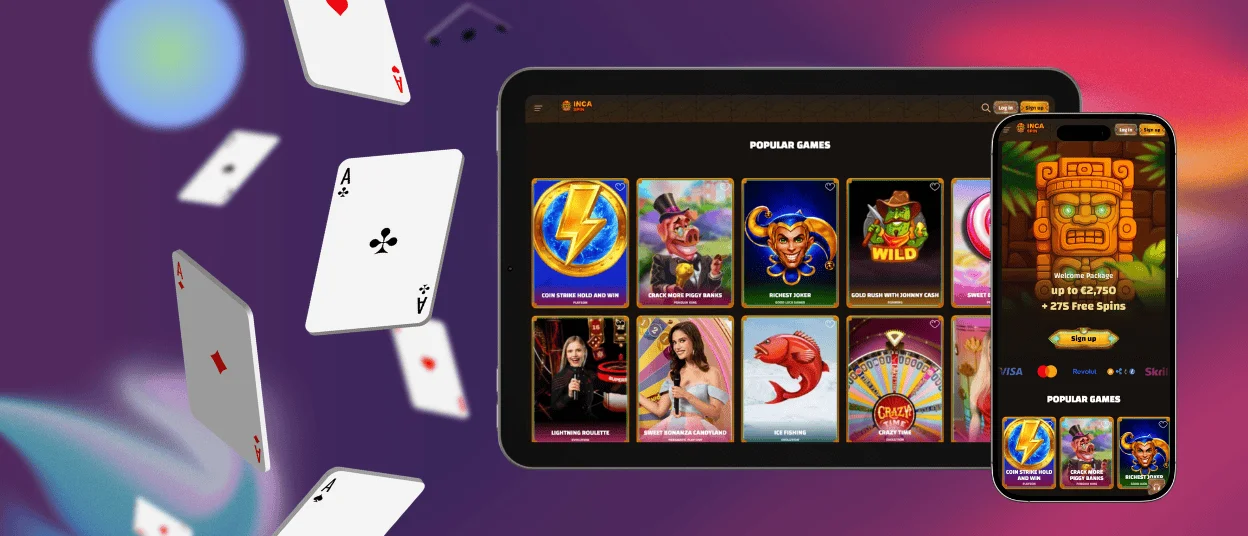
Apple devices keep the IncaSpin Casino installed inside the sharing tools of Safari. The Share button opens a menu where “Add to Home Screen” waits for a short scroll down, and the final confirmation lets you name the icon before it appears among the other applications.
Safari runs the window on the WebKit engine, and every protection setting of the browser applies to it. The camera of an iPhone helps in one practical case: photographing documents for the verification process takes a few seconds, and the files upload to the IncaSpin app straight from the profile.
An iPad handles the same icon with more room to work, which changes the gaming experience in several sections:
- Live dealer tables show the stream and the bet panel at full size, without one crowding the other.
- Table games display the whole layout of a roulette or blackjack table in one view.
- Slots keep their portrait proportions and gain larger symbols on the bigger screen.
- Payment and account pages fit without scrolling, which shortens routine operations.
Battery life on a tablet also stretches further than on a phone, so a long evening with live casino games needs no charger nearby.
Desktop Version of Inca Spin Casino
Computers reach the same IncaSpin window through slightly deeper menus. In Chrome, the three-dot menu leads to “Cast, save and share,” where the “Create” shortcut finishes the job, and Edge places the command under Apps as “Install this site as an app.” Safari on macOS adds the platform to the Dock through the File menu.
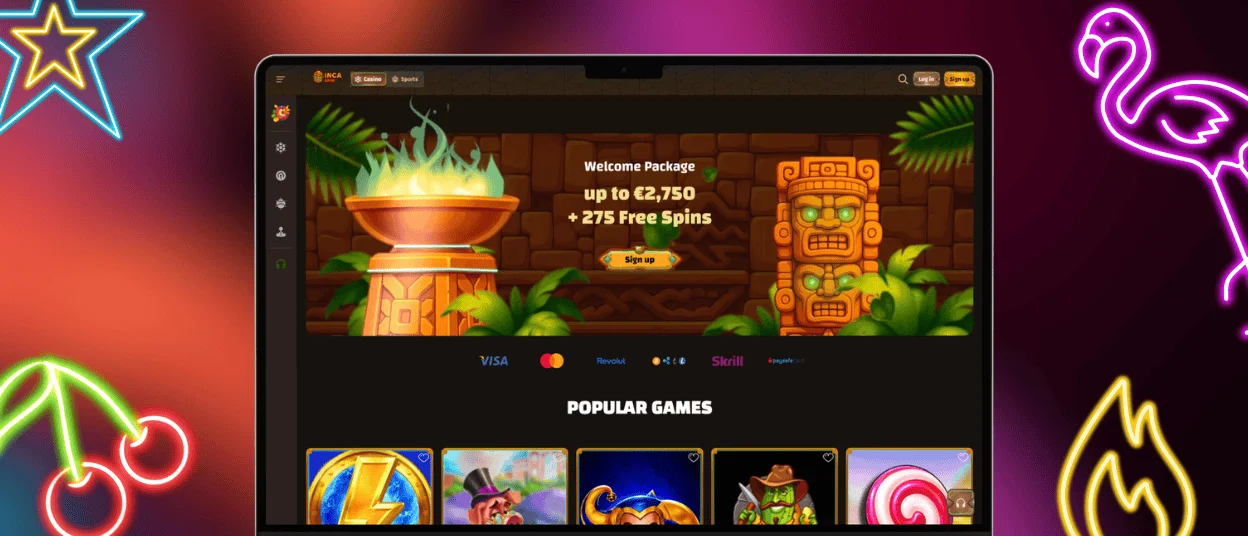
A large monitor has its advantages at Inca Spin Casino. Live dealer streams gain detail, sports statistics fit the screen without scrolling, and a long session with several panels open feels natural at a desk. Members who play in both settings create the icon on a phone and a computer, since one IncaSpin login covers them all.
Safe Play From a Phone
Our side of the protection runs on TLS encryption and certified game software, and the same standards cover the IncaSpin application. The other side belongs to the device in your hand, where a few habits matter more than any technology.
Keep the icon on a personal phone and sign out through the profile menu whenever someone else picks it up, since an open session gives access to the balance. Storing the password in the browser is reasonable on your own device and worth avoiding on a shared one, and a password used nowhere else adds another degree of safety. A screen lock covers the rest because it protects the IncaSpin account together with everything else on the phone.
Payment operations deserve one extra note. Confirm a deposit or a withdrawal only from a network you trust, and check the amount before the final tap. Anything that looks wrong afterward goes to live chat, where our support team follows the transaction and reports the result.
Device and Connection Requirements
The application asks very little of the hardware. A few megabytes of cached graphics cover the whole footprint, nothing runs in the background between sessions, and the battery notices no difference after the install.
Phones released in the past several years open every section of IncaSpin Casino instantly, and older models keep working as long as their browser still receives updates. Connection quality matters more than the processor: slots and instant titles load from the cache and tolerate a weak signal, and live casino games ask for a steady stream, so it is best to play live casino games on a stable network.
FAQ
Is the app optimized for tablets and larger screens?
Yes, the layout of Inca Spin Casino scales with the display, so a tablet shows enlarged reels and a wider dealer panel at once. Screens from seven inches upward get the hybrid view, which combines touch navigation with the visibility of a desktop version.
Can I switch between the app and desktop version easily?
One IncaSpin account works everywhere without a second registration, and a session moves between devices at any moment. A deposit made on a computer appears on the phone immediately, and bonus progress continues from the exact point where the previous session stopped.
Are all IncaSpin games available in the app?
The mobile casino at IncaSpin carries the complete catalog of 6,000+ titles, along with promotions and payment tools. New releases appear in the app at the same time as on the website, since both load from one platform.


