


IncaSpin App
The IncaSpin app provides full access to our platform through a high-performance mobile interface powered by Progressive Web App (PWA) technology. Players can launch games, manage payments, and complete verification directly in their mobile browser—no traditional software installation required.

IncaSpin App Features
The Inca Spin mobile version functions like a native application while remaining lightweight and instantly accessible. The interface adapts to various screen sizes, maintaining a clear structure for online slots, live casino sections, crash mechanics, activity panels, and wallet tools. Touch-optimized controls enable precise navigation for both quick sessions and extended gameplay.
The app uses an auto-sync system that pulls the latest version from our servers each time you launch it, eliminating the need for manual updates or installation files. Live casino titles such as roulette, game shows, and dealer tables render smoothly through a mobile-optimized streaming engine that adjusts the playfield for smaller screens. Push notifications become available once the PWA is added to your home screen, helping you track bonuses, missions, tournaments, and updates.
| Feature | Mobile (PWA) | Desktop |
| Convenience | Quick launch from home screen; ideal for mobile play | Best for long sessions and multitasking |
| Updates | Automatic via server; no installation needed | Dependent on browser refresh |
| Controls | Touch gestures, fast category switching | Precision from the mouse and keyboard |
| Performance Factors | Depends on the battery and the mobile network | Stable on high-speed connections |
IncaSpin App for Android OS
Android players can launch the IncaSpin experience directly through Chrome, Firefox, or any up-to-date mobile browser. Instead of relying on a traditional marketplace installation, the platform uses a lightweight PWA that behaves like a full mobile app while avoiding the restrictions of Google Play.
Unlike standard APK packages that require manual downloads, version checks, and extra storage space, the PWA updates itself instantly through the server and keeps your session active even when you switch between networks. This approach minimizes security risks and ensures you always run the most current build without any additional steps.
IncaSpin APK
For users who prefer the familiar format of classic Android installations, IncaSpin provides an APK reference. At the same time, the platform is built around a more modern solution: the PWA replaces external downloads entirely and offers the same functionality you would expect from a native app—only with automated updates and stronger protection.
Where APK files may require frequent manual updating or become outdated over time, the PWA maintains a direct link to IncaSpin’s servers, guaranteeing fresh interface elements, stable performance on all Android devices, and reduced impact on internal storage.
- the latest interface version on every launch,
- improved security standards,
- reduced device memory usage,
- identical performance across all Android models.
How to Add the Inca Spin PWA to Android:
- Open the official IncaSpin website in Chrome or another supported browser.
- Allow the page to load fully.
- Select “Add to Home Screen” or “Install App” in the browser menu.
- Confirm the action—the shortcut appears instantly.
The result is a mobile experience that is safe, fast, and completely in sync, without having to use third-party installation sources.
IncaSpin App – iOS
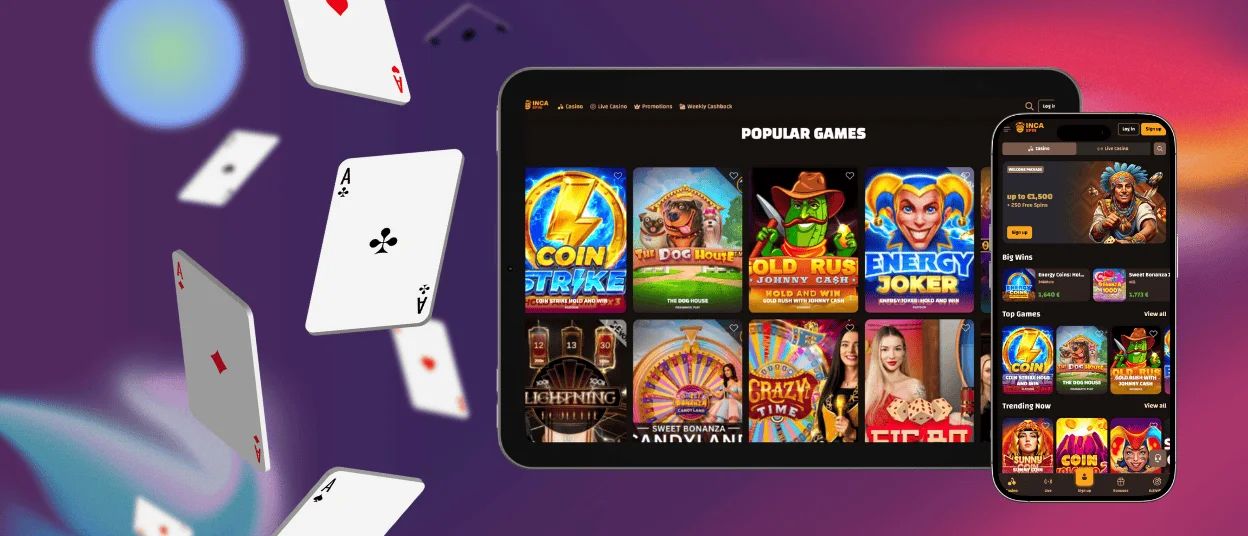
iOS users can access the IncaSpin app through the Safari browser, which supports PWA functionality natively. Once added to the home screen, the PWA behaves similarly to a standard iPhone or iPad application, offering quick access to the full catalog of games, promotions, and account tools.
The interface matches the Android version in structure and performance, maintaining seamless synchronization of balances, bonuses, missions, and activity progress. Online slots, table games, crash mechanics like Plinko 1000, and live casino titles operate with consistent frame rates and efficient resource handling.
With the advanced camera on iOS devices, verifying your account becomes much simpler—you can quickly take clear photos of your documents and send them straight to Inca Spin. The only drawback is that Apple doesn’t allow push notifications for PWAs. Still, all gaming features remain fully accessible and work just the same as on the desktop app.
Inca Spin Casino – Desktop Version
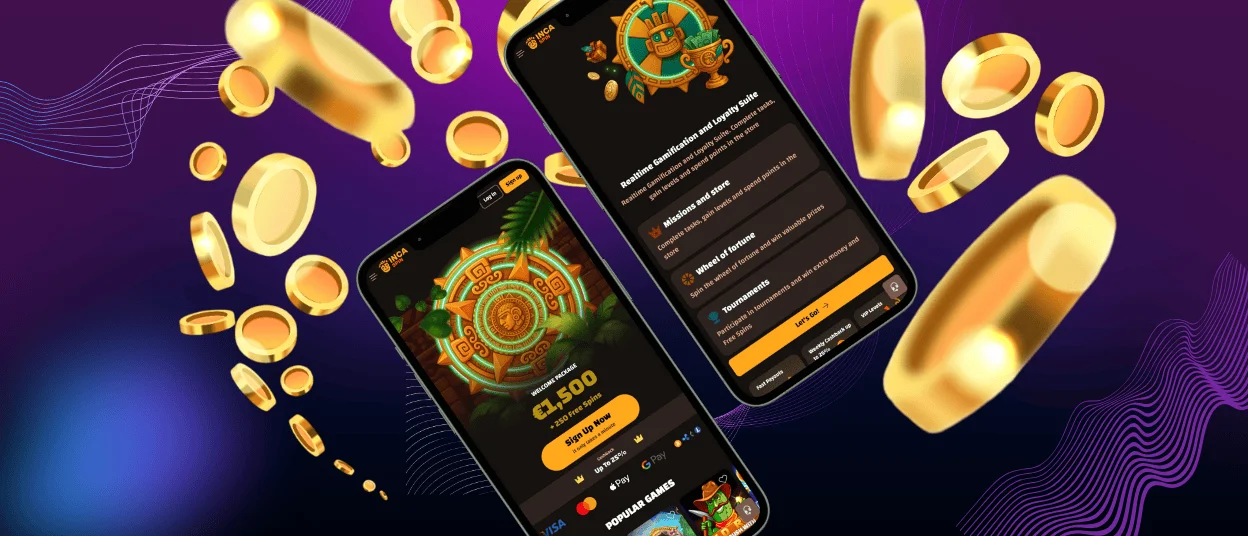
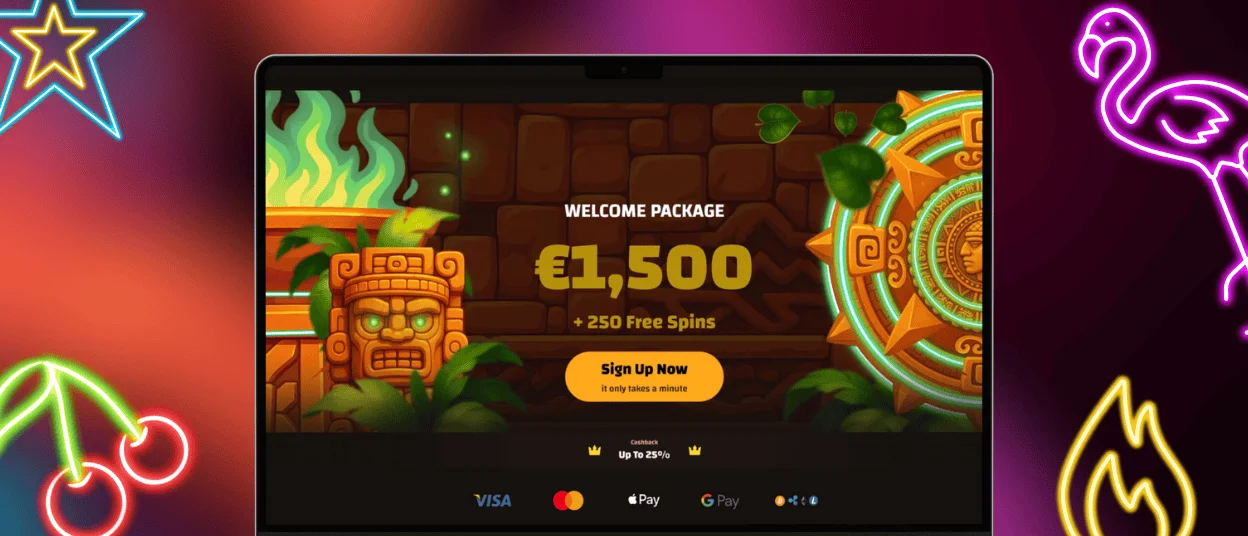
The desktop version of IncaSpin casino remains the preferred format for long gaming sessions or multi-window activity. Larger displays provide extended visibility, clearer statistics, and more detailed layouts for live dealer games. Keyboard and mouse controls support accurate bet adjustments and comfortable interaction during high-engagement gameplay.
The desktop environment runs on Windows, macOS, and Linux through all modern browsers, including Chrome, Firefox, and Safari. High-speed internet connections enable:
- stable HD streaming for live casino rooms,
- fast loading of complex slot mechanics,
- simultaneous monitoring of missions, tournaments, and promotional events.
All gameplay rules, RNG standards, RTP values, and bonus frameworks remain identical across devices, ensuring full consistency between the desktop version and the IncaSpin app.
Tablets Compatibility
The IncaSpin app is fully optimized for tablets, offering a hybrid layout that blends mobile portability with desktop clarity. Screens from 7 to 13 inches automatically adjust to display larger reels, expanded live dealer panels, and extended game controls. Tablet users benefit from longer battery life and comfortable touch navigation, making it an effective alternative for users who want more visibility without switching to a desktop.
FAQ
Is the mobile app safe to use?
The IncaSpin app uses SSL encryption, multi-layer authentication, and secure server infrastructure. PWA technology removes the need for downloading third-party files, minimizing security risks.
Is the app available on both Android and iOS?
Yes. The PWA version of Inca Spin operates on both systems. Players can add the app to their home screens, where it functions similarly to native applications.
Does the app include the same games as the website?
The IncaSpin app offers the full catalog of slot games, table games, live casino titles, crash mechanics, and promotional tools available on the desktop version. All updates occur automatically.


